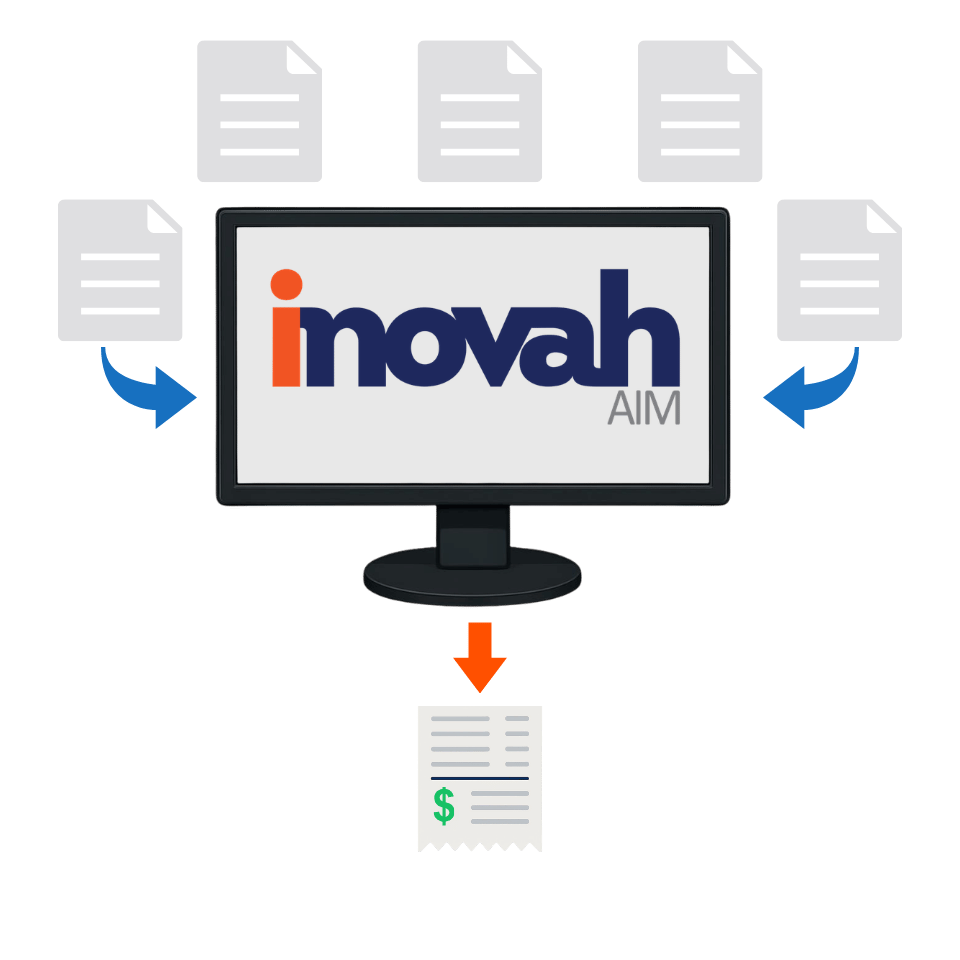
Update Balances Automatically
The inovah Adaptive Interface Module (AIM) is a flexible integration layer that lets you bring virtually any billing or legacy system into the inovah ecosystem - without the time and cost of building a full, custom real-time interface. With AIM, departments can send simple files (CSV, fixed-length, Excel, XML and others) of open items into inovah on a schedule, and those records become searchable, payable "receivables" across every inovah channel, including Cashier and the inovah Portal.
Secure Payments - Easy Flow
When payments are taken on AIM items, they flow through the same secure inovah payment engine as your other revenue, and are included in standard reporting, research, and GL exports. At the end of the cycle, AIM uses configurable outbound files to send payment results back to the originating system so it can update its own balances - closing the loop without manual re-entry. The result is a unified payment hub where enterprise AR, line-of-business applications, and hard-to-integrate legacy systems can all participate, giving you one consistent view of revenue while allowing each system to keep doing what it does best.
Endless Options for Connecting
Any system that can export data for payments - invoices, account balances, citations, permits, fees, or receivables - can send that data into inovah for real-time or near-real-time payment processing. AIM provides a lightweight, low-code, low-cost way to scale integrations across the enterprise, enabling departments to bring in payment data from virtually any source system, quickly and consistently.
Standard supported file types:
-
.csv
-
.xml
-
.xl
-
fixed length

Adaptive Interfacing
AIM Payments
Options